Portal
Where you and your editors work.
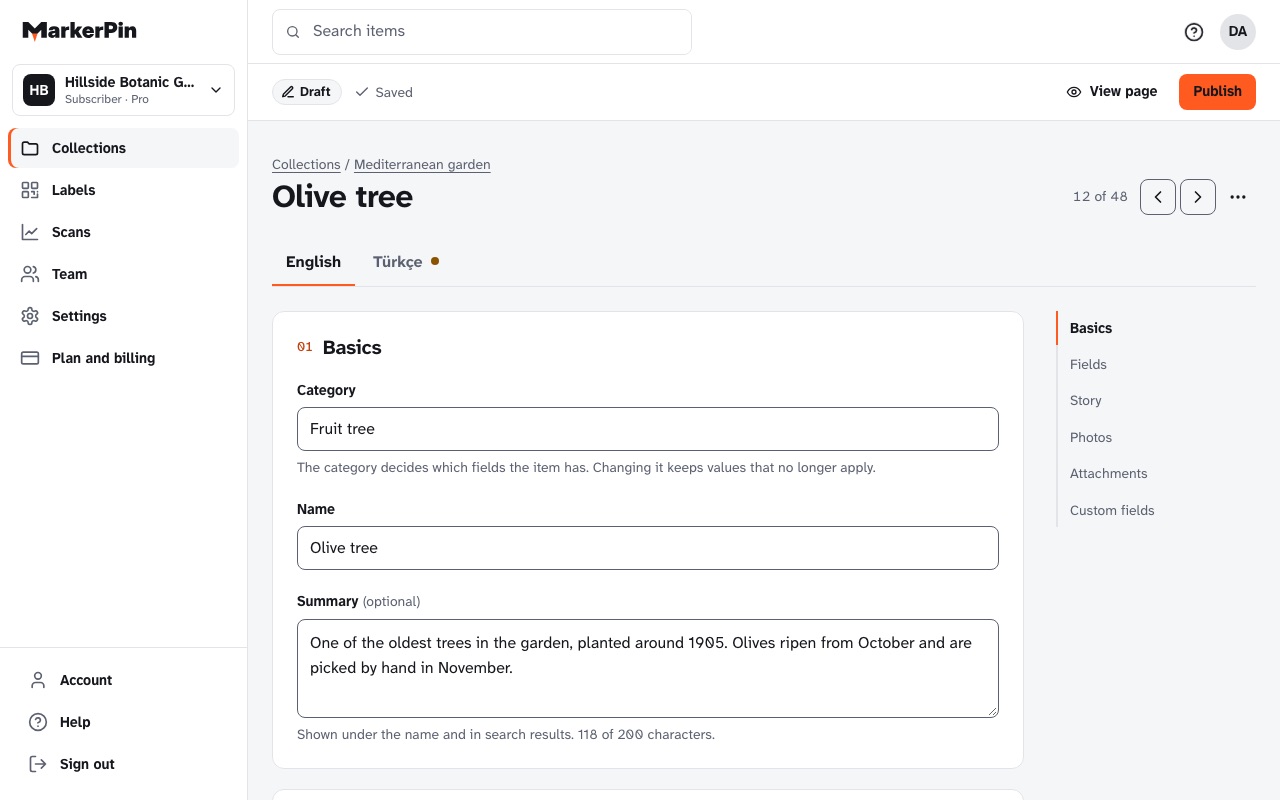
Add items, group them into collections, invite editors, print labels and see what visitors scan. One place, in your browser, on a computer or a phone.
At portal.markerpin.com. Nothing to install.
Collections and categories
Everything in order, the way you think about it.
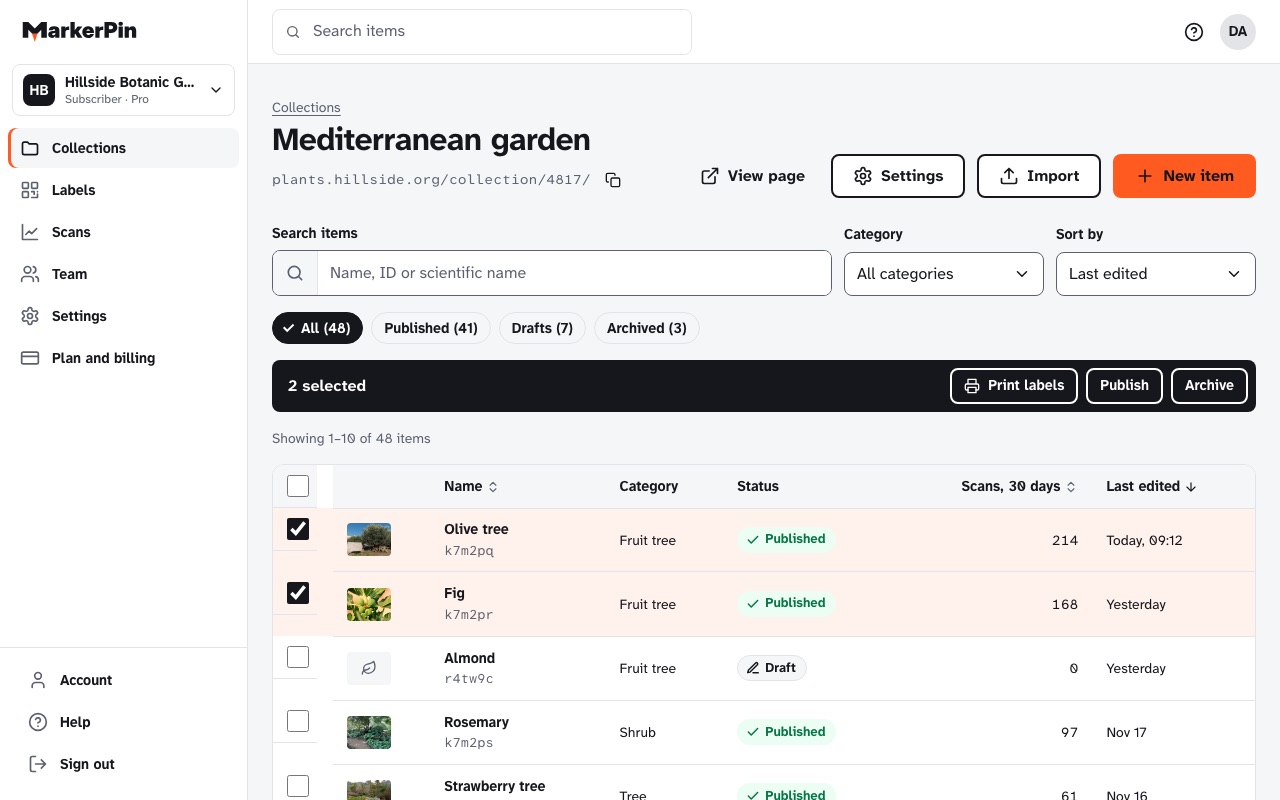
A collection holds related items: the trees of a park, the machines on one floor, the objects in one exhibition. Within it, each item has a category, and the category brings the right fields.
- Search, and filter by category or status
- Drafts stay private until you publish, and save themselves every few seconds
- Archive an item you've removed; its label then shows a short notice instead of an error
Editing on a phone
Fix it standing next to the item.
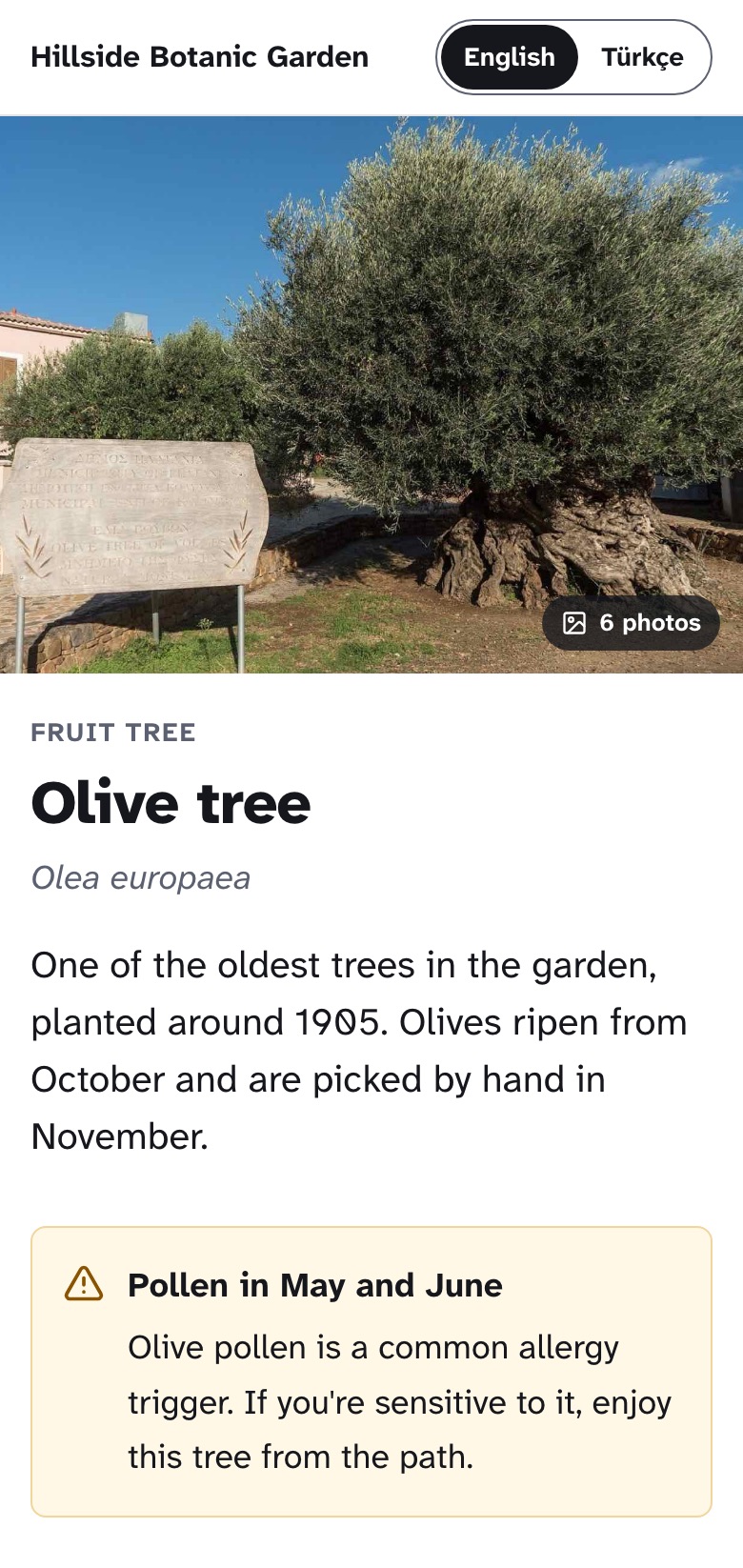
The Portal works the same on a phone. Scan your own label, correct a name, add the photo you just took, and publish. Visitors see the change straight away.
- Take photos with the phone's camera, straight into the item
- Large buttons and one column, made for one hand
- A published page changes only when you press Publish, never halfway through an edit
Inviting editors
Bring in the people who know the items.
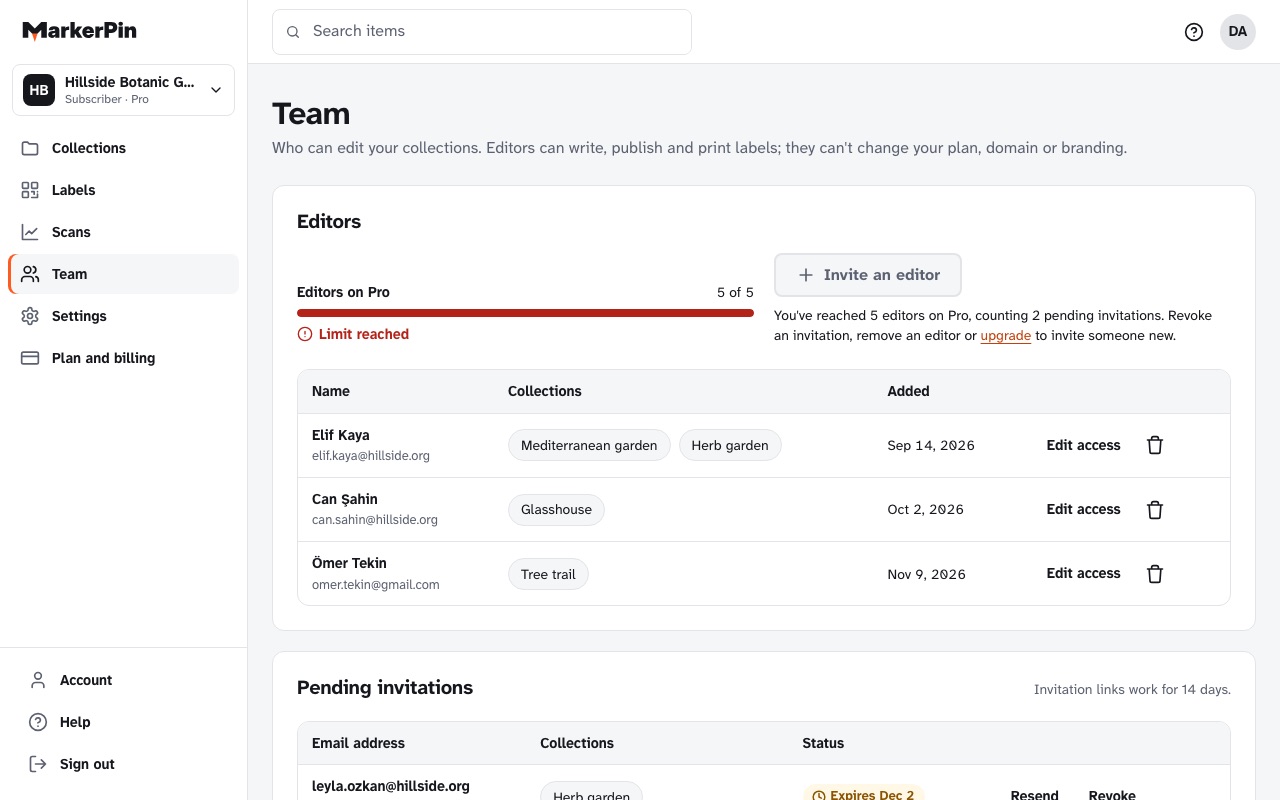
Invite editors by email and choose the collections they work on. They can add, edit, publish and archive items and print labels. They can't change your plan, billing, domain or branding.
- 1 editor on Plus, more on larger plans
- Remove an editor at any time; their work stays
- If you ask us to set things up, our staff work under your eye: you see them in your team, you see what they did, and you can remove them
Printing labels
Pick items, pick a label, print.
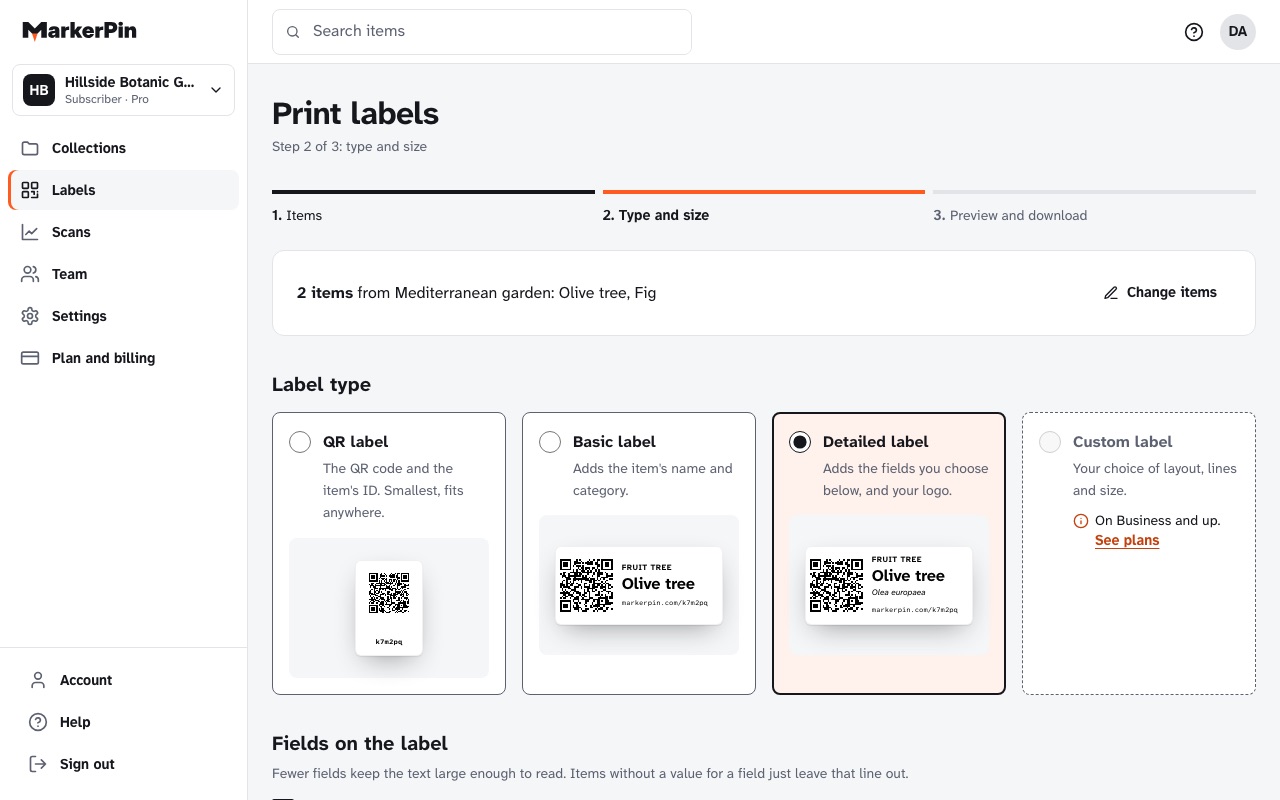
Choose items one by one or a whole collection, pick a label type and a size, and download a PDF for your label printer or A4 sticker sheets.
- QR labels on every plan; labels with the name and category from Plus
- Reprint a damaged label any time: the address stays the same
Scan counts
See which items people stop for.
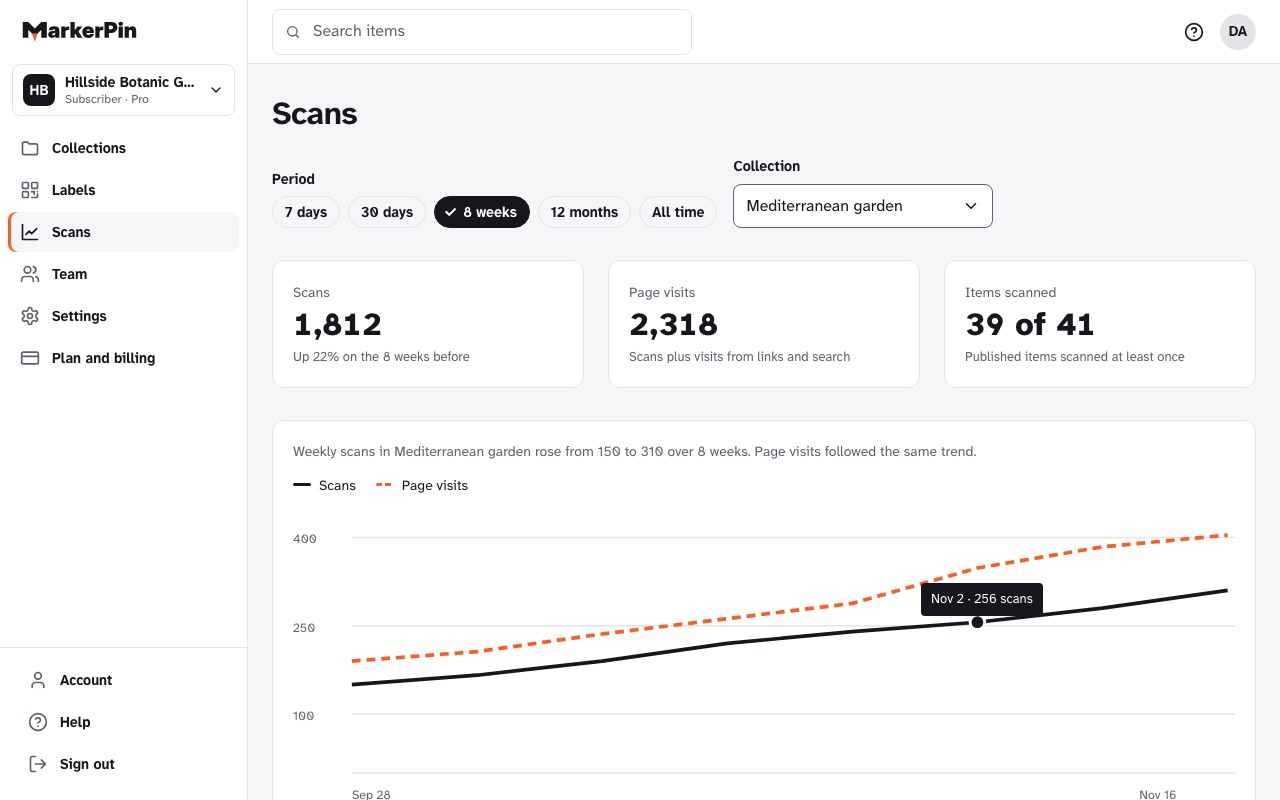
Every scan and visit is counted, per item and per collection, for any date range. Counting happens on our server, without cookies or personal data, so it doesn't depend on visitors accepting cookies.
- Scan history for 30 days on the free plan, unlimited from Pro
- Older history is kept, and shown again after an upgrade
Also in the Portal
Settings you set once.
Your brand and domain
Your logo, your color and your own address, from Pro. How it works
Export everything
Items as JSON or CSV, all media and the QR codes, whenever you like. Security and privacy
Plan and billing
Change plans any time. Upgrades apply at once; nothing is deleted when you move down. See pricing