
 Example
Offices and campuses
Answers right where people work.
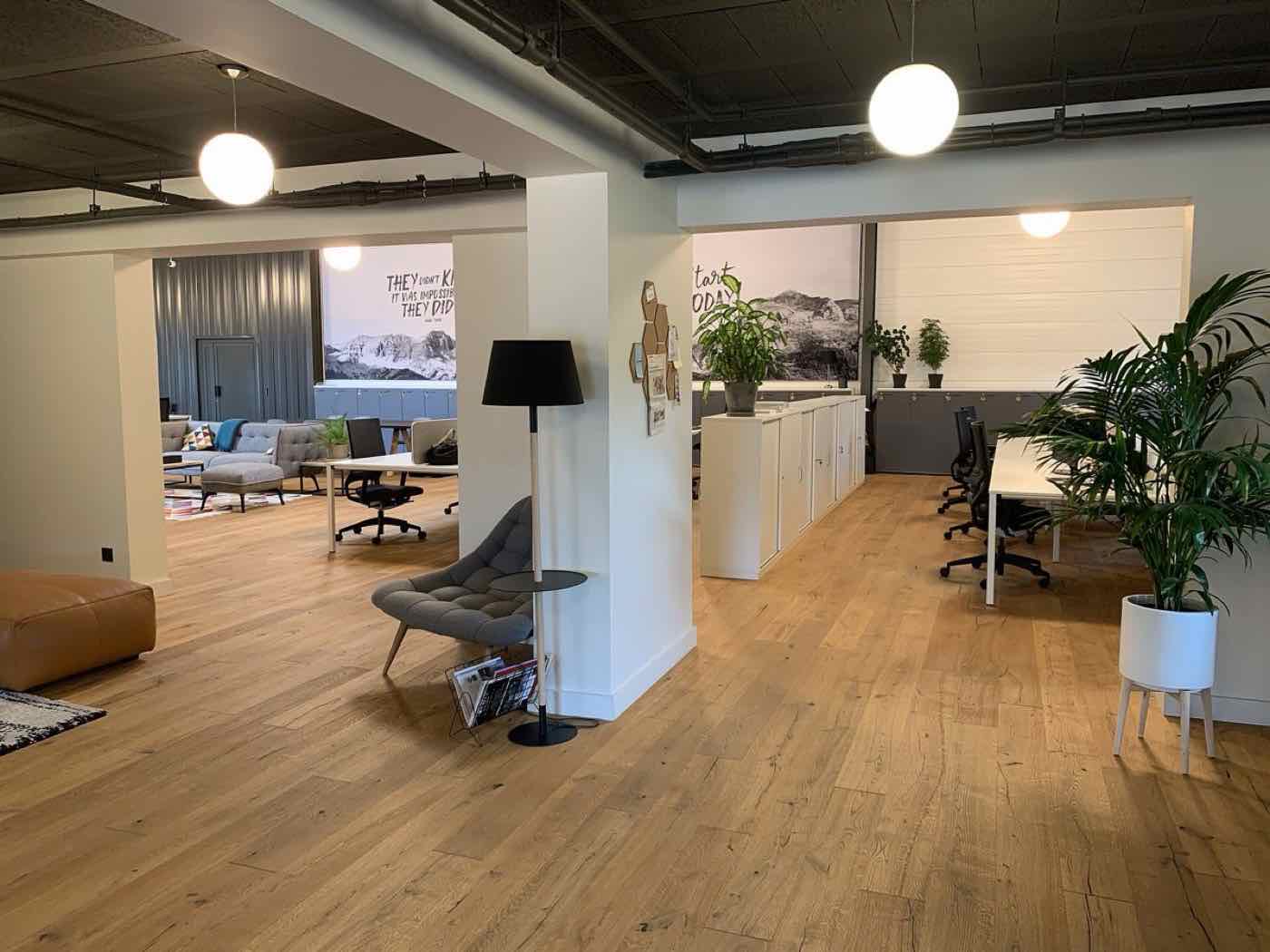
Put labels on the art in the corridor, the plants by the window and the screen in the meeting room. Colleagues and guests scan them and read what it is, how to use it or whom to ask, in their language.
Why offices use it
The same questions, at the same spots, every week.
Without labels
- Guests walk past the art without knowing who made it
- New colleagues ask how to connect to the meeting room screen
- Plants get too much water, or none
- Faults get reported to the wrong person, or not at all
- Laminated instructions go out of date and stay up
With MarkerPin labels
- A page per artwork, plant, device or room
- How to use it, step by step, and who to tell when it breaks
- Update a page in a minute when something changes
- Two content languages from Pro, for international teams
- Scan counts show what people actually look up
Houseplant
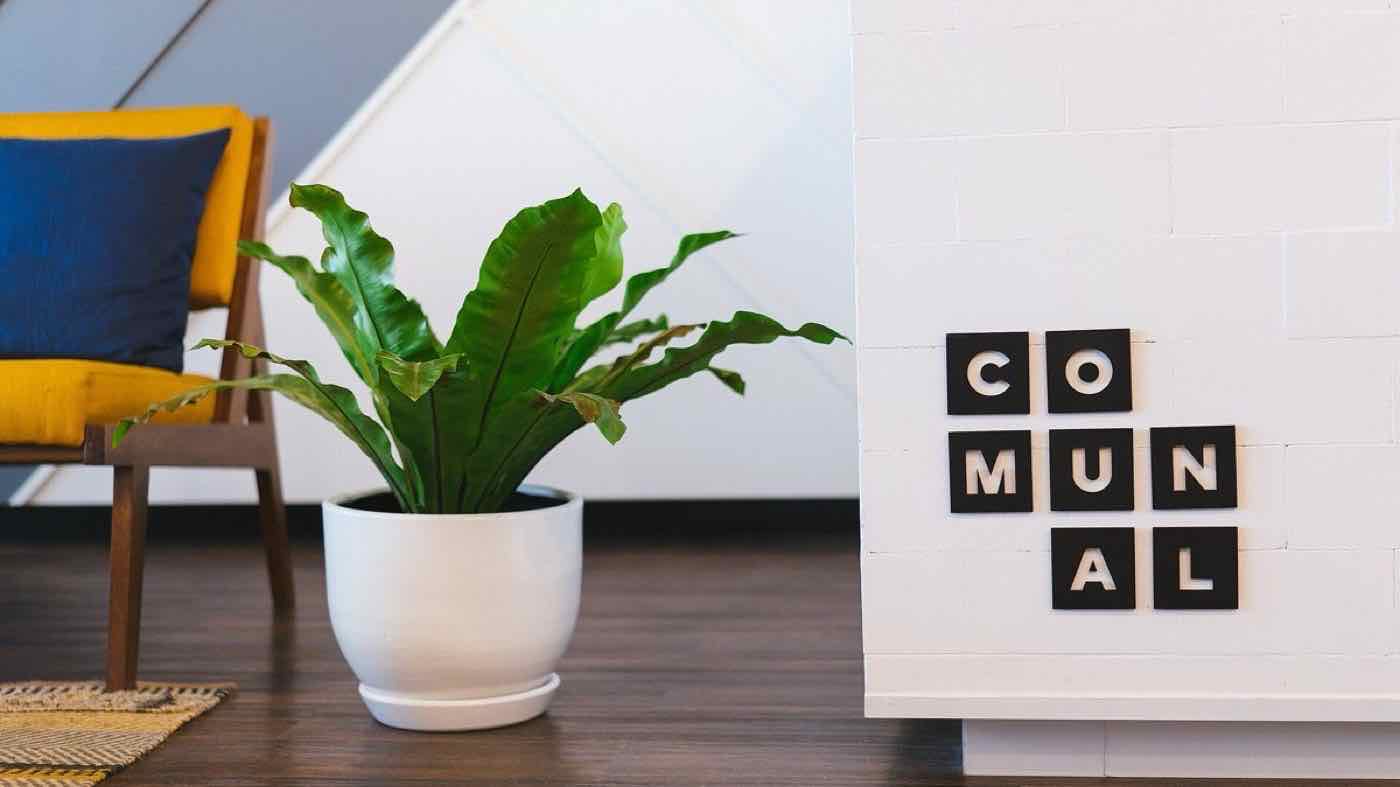
Bird's nest fern
Asplenium nidus
Water when the top of the soil is dry, and never into the center of the rosette.
- Indoor light
- Bright, indirect
- Native range
- Tropical Asia, Australia and East Africa
- Toxicity
- Not known to be toxic
- Humidity
- High
- Minimum temperature
- 15 °C
- Care level
- Moderate
Example item page
A desk plant, as a colleague sees it.
The editor picked the category Houseplant, so the page asks for indoor light instead of sun, and a minimum temperature instead of a hardiness zone.
- Opens from the label at markerpin.com/p2x6nm, with no app and no sign-in
- Choices shown as words, temperatures with their unit
- The same kind of page for an artwork, a printer or a meeting room
Categories and fields
Pick a category, and the right fields appear.
Each category brings the fields that matter for it, and inherits the fields of the category above it.
Categories for offices and campuses
- Painting
- Work on paper
- Photograph
- Sculpture
- Decorative art and design
- Device and appliance
- Audio-visual equipment
- Office furniture
- Safety equipment
- Room
- Amenity
- Houseplant
Fields for: Device and appliance
Basic, on every plan
- Manufacturer
- Model
- How to use
- Safety notes
Extended, from Pro
- How-to video
- Report a fault
- Asset tag
- Network name
- Supplies
Need a field that isn't here? Business adds your own fields to any item. Compare plans
Labels and mounting
Small labels that suit the office.
Print your own on a label printer for desks and devices, or order acrylic labels for art and meeting rooms.
Printed labels
For devices, desks and plant pots, printed from the Portal.
Acrylic labels
For artworks and meeting room doors.
Collection signboards
One board at the entrance that opens the whole collection.